
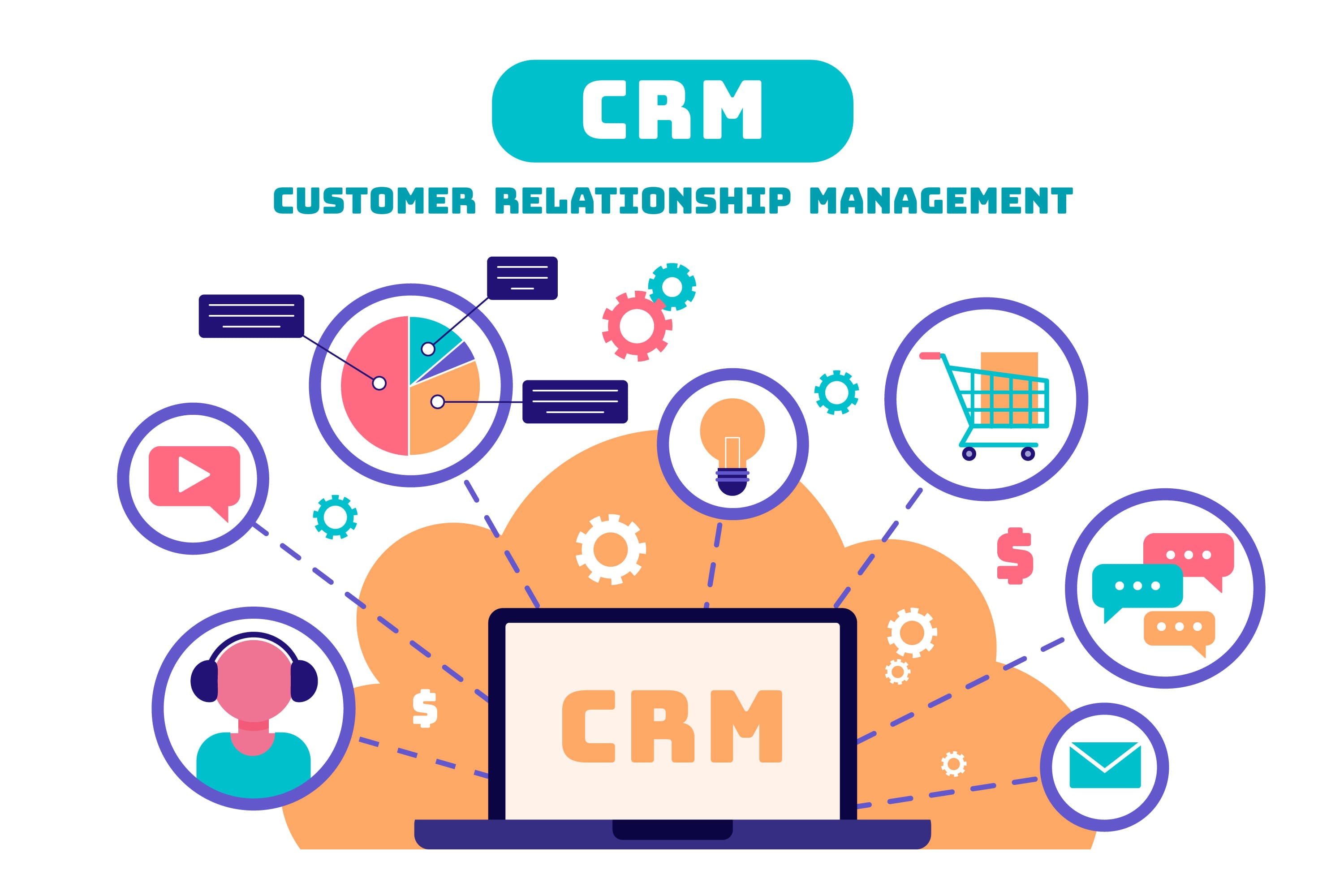
Customer relationships are the foundation of every business. Whether you run a business, an online store, a hospital, or a big company, managing customer information efficiently can really improve sales, marketing, and customer support. This is where CRM software becomes Important.
CRM software is a tool that helps businesses manage customer interactions. Many businesses start with spreadsheets or multiple tools. As the customer base grows, it becomes hard to manage leads, follow-ups, and customer communication. Custom CRM software solves these problems by providing a platform that helps teams work smarter and deliver better customer experiences.
What is CRM Software?
CRM software is a platform that helps businesses organize, manage, and improve customer interactions throughout the customer lifecycle. Instead of storing customer information across emails, spreadsheets, or notebooks, CRM software keeps everything in one place, including customer profiles, contact details, sales opportunities, communication history, support tickets, marketing campaigns, documents, reports, and payment history.
A CRM enables sales, marketing, customer service, and management teams to collaborate using real-time customer information. CRM software is used to manage customer relationships. It is an important tool for businesses.
Why Businesses Need CRM Software
Modern businesses collect customer data from channels including websites, social media, email campaigns, phone calls, live chat, mobile applications, and offline inquiries. Without CRM software, important information can easily get lost.
A developed CRM system helps businesses increase sales conversions, improve customer retention, automate repetitive tasks, track employee performance, manage customer communication, and make better decisions with analytics. CRM software also helps businesses strengthen long-term customer relationships.
Types of CRM Software
Before you start developing CRM software, you need to identify which type of CRM best fits your business model. There are types of CRM software, including operational CRM, analytical CRM, collaborative CRM, and industry-specific CRM.
Operational CRM
Operational CRM is designed to automate business processes, and it includes features like lead management, sales automation, customer onboarding, marketing automation, and support management.
Analytical CRM
Analytical CRM is focused on analyzing customer behavior. It includes features like business intelligence, customer segmentation, predictive analytics, sales forecasting, and performance dashboards.
Collaborative CRM
Collaborative CRM improves communication across departments. It includes benefits like shared customer records, team collaboration, centralized communication, and multi-channel support.
Industry-Specific CRM
Industry-specific CRM is customized to meet the needs of industries, such as healthcare, real estate, education, manufacturing, insurance, logistics, and finance.
Step-by-Step Process to Develop CRM Software
To develop CRM software, you need to follow a step-by-step process.
Step 1: Define Business Goals
Define your business goals. You need to understand what problems you want to solve with your CRM software, who will use the software, which departments need access what workflows need automation, and which reports are required.
Step 2: Gather Functional Requirements
It is to gather requirements. You need to create a requirement document that includes user roles, customer management, sales pipeline, lead management, reporting, notifications, integrations, security, mobile compatibility, and other important features.
Step 3: Choose the Right Development Approach
Choose the right development approach. You can. Build your CRM software from scratch, customize an existing CRM platform, or use a hybrid approach that combines custom modules with third-party solutions.
Step 4: Design CRM Architecture
Design your CRM architecture. You need to create an architecture that includes a frontend, backend database, authentication, API layer, notification service, file storage, and analytics engine.
Step 5: Design User Interface
This is to design your user interface. Your CRM software should have a responsive and easy-to-navigate interface that is mobile-friendly and fast-loading.
Step 6: Develop Core CRM Modules
Develop your CRM modules. You need to develop modules for customer management, lead management, sales pipeline, contact management, task management, marketing automation, customer support, and reports and analytics.
Step 7: Integrate Third-Party Services
This is to integrate third-party services. You need to integrate your CRM software with payment gateways, email services, WhatsApp Business API, SMS Gateway, ERP software, accounting software, inventory management, Google Calendar, Outlook, Zoom, Slack, and other important services.
Step 8: Implement Security
It is to implement security measures. You need to ensure that your CRM software is secure and compliant with regulations.
Step 9: Testing
Test your CRM software. You need to perform testing, performance testing, security testing, load testing, API testing, UI testing, and user acceptance testing to ensure that your software works as expected.
Step 10: Deployment
Deploy your CRM software. You can deploy your software on cloud platforms like AWS, Microsoft Azure, or Google Cloud.
Essential Features of CRM Software
Every CRM software should have some features, including user management, dashboard, contact management, lead management, sales pipeline, customer database, calendar, task management, email integration, SMS integration, reports, notifications, file upload, role management, activity logs, search filters, mobile compatibility, and API integration.
Advanced CRM features
It includes intelligence, sales prediction, customer insights, smart recommendations, chatbots, workflow automation, voice integration, AI analytics, document management and electronic signatures.
CRM Software Development Cost
CRM development costs vary depending on features, integrations, and customization.
Approximate estimates:
|
CRM Type |
Estimated Cost |
|
Basic CRM |
$8,000–$20,000 |
|
Medium CRM |
$20,000–$60,000 |
|
Enterprise CRM |
$60,000–$150,000+ |
The factors that affect the cost of CRM development include features, UI/UX design, integrations, mobile applications, security requirements, development team location and maintenance.
Best Practices for CRM Software Development
To maximize the value of your CRM investment you should understand your business processes before development, build an architecture for future expansion prioritize an intuitive user experience implement strong security and regular backups use APIs for seamless integration with existing systems test thoroughly before launch monitor user feedback and release updates regularly and choose scalable cloud infrastructure to support business growth.
Why Choose HybridPlus Infotech for CRM Software Development?
HybridPlus Infotech develops custom CRM software tailored to the needs of businesses across industries. Our solutions focus on improving customer management streamlining workflows and supporting long-term growth.
Our CRM development services include custom CRM development, CRM consulting, CRM UI/UX design, CRM mobile app development, API integration, cloud-based CRM solutions, CRM migration, CRM maintenance and support, and CRM performance optimization.
Developing CRM software is more than creating a database for customer information. It involves understanding business processes, designing workflows, integrating multiple systems and ensuring security and scalability.
A planned CRM helps businesses improve customer relationships, streamline operations, increase sales productivity and make data-driven decisions. Whether you are building a CRM for a business or a large enterprise, investing in a custom solution ensures that the software aligns with your business goals and can evolve as your organization grows.
Frequently Asked Questions (FAQs)
1. What is CRM software used for?
CRM software is used to manage customer information, sales pipelines, marketing campaigns, customer support and communication from a platform.
2. How long does it take to develop CRM software?
A basic CRM can take around 3-5 months to develop while a feature-rich or enterprise CRM may require 6-12 months or more depending on the complexity.
3. How much does custom CRM software development cost?
The cost of custom CRM software development varies depending on the features, integrations and customization. The estimated cost is, between $8,000 and $150,000 or more.
4. What are the best technologies to use when you are developing CRM software?
Some popular things to use are React.js or Angular for the part that people see and Laravel, Node.js, ASP.NET or Django for the part that's behind the scenes. You can use MySQL or PostgreSQL for the databases and AWS, Azure or Google Cloud to host it.
5. Can you use CRM software with applications?
Yes you can. Most CRM systems can work with things like payment gateways, email services, ERP platforms, accounting software, WhatsApp Business, SMS gateways, calendars and other tools that businesses use. They do this through something called APIs.
6. Is it better to get a custom CRM or one that is already made?
A custom CRM is really good because it can be made to fit your business. It is very flexible. You can make the workflows and integrations just the way you want them. It can also grow with your business, which makes it perfect for businesses that're a little different.
7. Can you use CRM software on your phone or tablet?
Yes, you can. Most CRM systems are made so they can be used on devices. Some have apps for Android and iOS, and some just work well on smaller screens. This means you can get to customer information and manage your tasks from anywhere.
8. What kind of security should a CRM have?
A good CRM should have some security features. These include things like SSL encryption, role-based access control and multi-factor authentication. It should also have encrypted passwords, logs of what people do regular backups. It should follow all the rules, about protecting data.