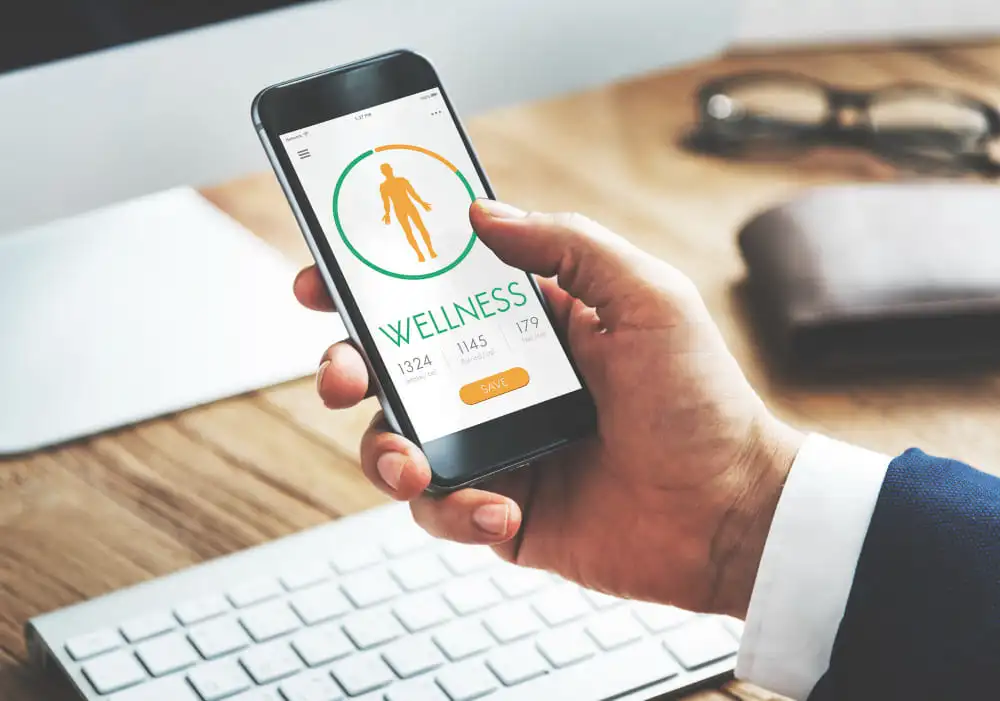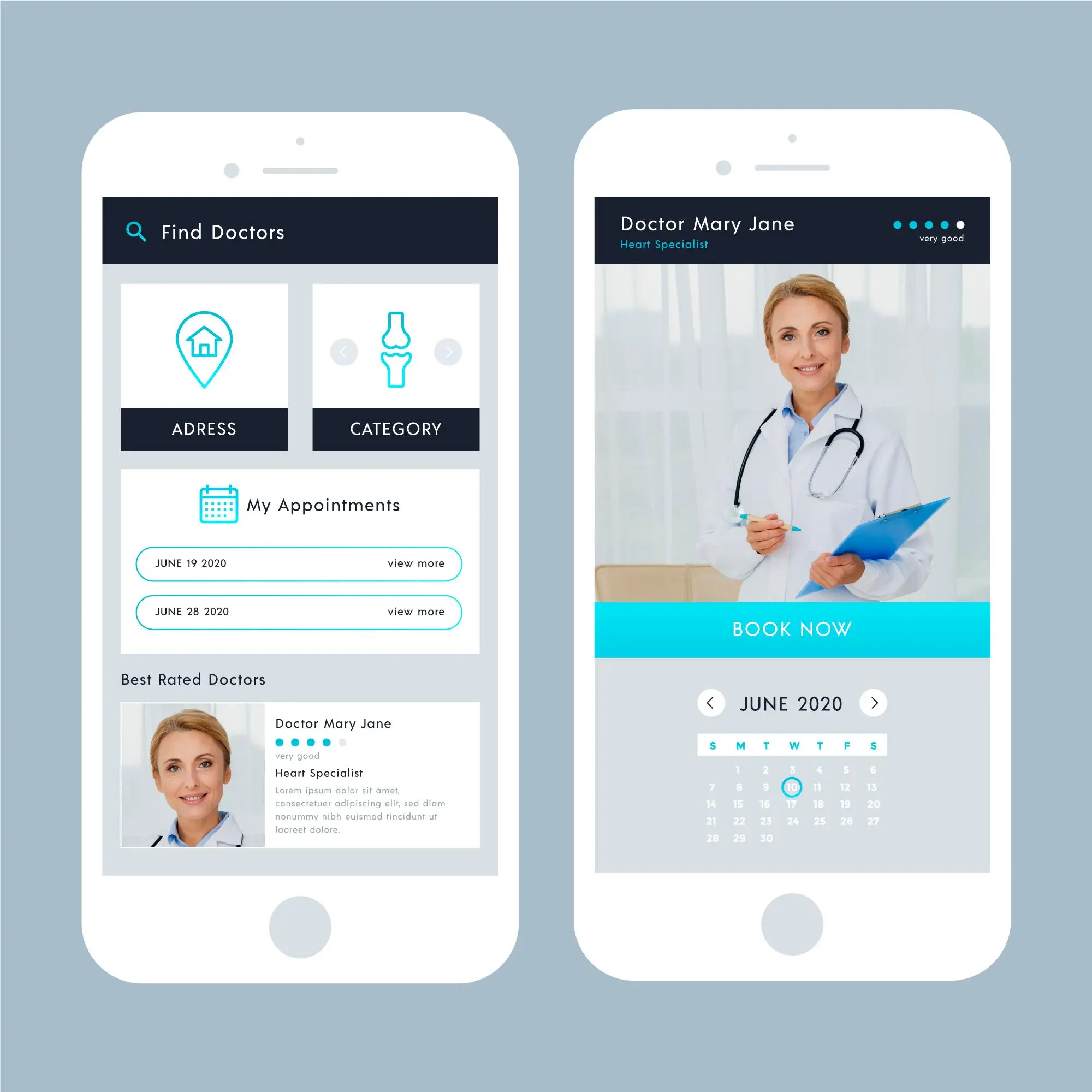
The healthcare industry is increasingly adopting digital solutions that make medical services easier to access. Patients want to find qualified doctors, check their availability, book appointments, and manage consultations without spending time on phone calls or visiting clinics. Doctor appointment applications help meet these expectations by connecting patients with healthcare professionals through a convenient digital platform.
Doctolib is a well-known example of a platform that allows users to search for healthcare professionals, schedule appointments, and manage their healthcare journeys online. Businesses looking to enter the digital healthcare market can use similar functionality as inspiration while developing a solution tailored to their target audience.
Building an application like Doctolib requires careful planning, user-friendly design, secure data management, and reliable appointment scheduling features. This guide explains the development process, essential features, technology considerations, and factors that influence the overall development cost.
What Is a Doctor Appointment App Like Doctolib?
A doctor appointment app is a digital platform that enables patients to discover healthcare providers and book appointments online. It can also help doctors manage their schedules, communicate with patients, and organize appointment records.
An application inspired by Doctolib can include patient-facing mobile apps, a doctor dashboard, and an administrative panel. Depending on the business model, it may also support teleconsultations, digital prescriptions, appointment reminders, and payment processing.
The platform can generate revenue through doctor subscriptions, clinic management plans, premium listings, or service fees, depending on applicable regulations and the chosen business model.
Features of a Doctor Appointment App
The features you select will influence the application's usability, development timeline, and overall cost. Focus on the requirements of patients, healthcare providers, and platform administrators.
1. Patient Registration and Profiles
Patients should be able to create accounts using email addresses, phone numbers, or supported social sign-in options. Their profiles can store basic information, appointment histories, preferences, and relevant medical details where appropriate.
Secure authentication and suitable access controls help protect personal information.
2. Doctor Search and Filtering
A useful search experience allows patients to find suitable healthcare professionals based on:
- Medical specialty and area of expertise
- Location, clinic, or hospital
- Available appointment dates and times
- Consultation type, such as in-person or online
- Languages spoken and other relevant qualifications
Doctor profiles should display verified professional information, clinic details, consultation fees, and available slots where applicable.
3. Online Appointment Booking
Appointment scheduling is the central feature of the application. Patients should be able to select a doctor, choose an available time slot, provide relevant details, and confirm their booking.
The system should prevent double bookings, handle cancellations, and update availability when appointments are rescheduled. Calendar synchronization can further simplify schedule management for healthcare professionals.
4. Doctor Dashboard
Doctors need a dedicated dashboard to manage their daily activities. It can include appointment calendars, patient details, availability settings, consultation history, and cancellation management.
Authorized doctors and clinic staff should have access only to the information required for their responsibilities.
5. Notifications and Reminders
Automated notifications help patients remember upcoming consultations and keep doctors informed about schedule changes.
The application can use push notifications, email, and SMS for booking confirmations, reminders, cancellations, and rescheduling updates. Notification preferences should be configurable so users receive relevant messages without unnecessary interruptions.
6. Online Consultation and Payments
If the business model supports remote healthcare, integrate secure video consultations, appointment-based meeting links, and appropriate communication tools.
Payment functionality can support consultation fees, invoices, refunds, and payment status tracking. Use a suitable payment gateway and avoid storing sensitive payment details unnecessarily.
7. Admin Panel
The administrator needs tools to oversee the platform, manage user accounts, verify doctor profiles, review appointment activity, and handle reported issues.
Analytics can provide insights into booking volumes, cancellation rates, popular specialties, and platform performance.
Step-by-Step Process to Develop an App Like Doctolib
Developing a healthcare application requires more than implementing booking functionality. A structured process helps control costs and ensures that the final product meets business and user requirements.
Step 1: Research the Market and Define Your Audience
Start by identifying the target market, intended users, and the problem your application will solve. Research competing platforms and examine their booking workflows, pricing models, and user feedback.
Decide whether the platform will serve individual doctors, clinics, hospitals, or multiple healthcare providers. You should also define the launch region because local healthcare regulations and patient expectations can influence product requirements.
Step 2: Prepare the Feature List and Business Model
Separate essential features from advanced functionality. For the initial version, prioritize registration, doctor discovery, appointment scheduling, notifications, and basic administration.
Define how the platform will earn revenue. Subscription plans for doctors, clinic software packages, and premium business features may be suitable options, subject to local laws and market conditions.
Step 3: Design the User Interface
Create wireframes and prototypes before beginning full-scale development. The booking process should be straightforward, with clear doctor profiles, readable schedules, accessible navigation, and simple confirmation screens.
Design separate experiences for patients, doctors, and administrators. Test the prototype with potential users to identify confusing steps before they become expensive development changes.
Step 4: Select the Technology Stack
Choose technologies based on scalability, security, integrations, and the team's expertise.
A possible technology stack includes:
- Mobile application: Flutter or React Native for cross-platform development, or native technologies for Android and iOS.
- Backend: Laravel, Node.js, or another suitable backend framework.
- Database: PostgreSQL or MySQL for structured application data.
- Cloud infrastructure: A suitable cloud provider with secure configuration, backups, and monitoring.
- Third-party integrations: Payment gateways, messaging services, calendar tools, and video consultation solutions.
The final selection should reflect the application's expected traffic, regulatory obligations, integration needs, and long-term maintenance requirements.
Step 5: Develop the Backend and Core Features
Build the server-side logic for user authentication, doctor profiles, appointment availability, booking confirmations, and notifications.
Scheduling requires particular attention. The system should manage time zones, overlapping appointments, provider-specific working hours, cancellations, and last-minute availability changes. Automated tests should verify that two patients cannot reserve the same appointment slot.
Step 6: Implement Security and Healthcare Compliance
Healthcare applications may process sensitive personal and medical information. Security should be considered throughout development rather than added at the end.
Use encrypted connections, appropriate data encryption, role-based permissions, secure authentication, audit logs, backups, and vulnerability testing.
Identify which privacy and healthcare regulations apply to your operating regions. For example, GDPR may apply to personal data processing in the European Union, while HIPAA requirements may apply to covered entities and business associates in the United States. Compliance depends on the actual business arrangements and processing activities.
Step 7: Test and Launch the Application
Test the application across supported devices and browsers. Verify booking workflows, payment processing, notifications, access permissions, accessibility, and performance under expected traffic.
Before launch, complete security reviews, prepare support procedures, and establish monitoring and backup processes. After release, use user feedback and analytics to prioritize improvements.
How Much Does It Cost to Develop a Doctor Appointment App Like Doctolib?
The development cost depends on the number of platforms, complexity of features, integrations, security requirements, and location of the development team.
Indicative estimates for planning purposes are:
|
Application type |
Estimated cost |
|
Basic MVP |
10,000–25,000 |
|
Mid-level application |
25,000–60,000 |
|
Advanced healthcare platform |
60,000–150,000+ |
These figures are broad estimates, not verified quotes. Actual costs may differ significantly, especially when adding telemedicine, complex clinic workflows, regulatory assessments, or integrations with existing healthcare systems.
Ongoing expenses may include cloud hosting, maintenance, technical support, third-party APIs, security testing, and application updates. A clearly scoped MVP is often a practical starting point for businesses validating demand before investing in a more extensive platform.
Why Choose HybridPlus Infotech for Doctor Appointment App Development?
Choosing the right development partner can help transform a healthcare application concept into a functional digital product. HybridPlus Infotech develops customized software and mobile applications based on business requirements, intended users, and operational goals.
For a doctor appointment platform, the development process can focus on essential functionality such as patient registration, doctor profiles, appointment scheduling, notifications, and administrative management. Additional capabilities, including video consultations, payment integration, and clinic-specific workflows, can be considered according to the project's scope.
A tailored development approach also allows businesses to prioritize features for an initial release and expand the platform as user needs evolve. Interface design, backend architecture, testing, and future maintenance should all be considered during project planning.
Before starting development, discuss your target audience, preferred platforms, required integrations, budget, and launch timeline with the team. This helps establish a realistic project scope and identify the technical requirements that matter most to your healthcare business.
Final Words
Developing a doctor appointment app like Doctolib involves market research, thoughtful interface design, reliable scheduling, secure data handling, and continuous testing. Choosing the right doctor appointment app development company can help you build a scalable solution that meets healthcare providers' needs and delivers a seamless experience for patients.
Start with a focused MVP, validate it with real users, and introduce advanced capabilities as the business grows. By selecting an appropriate technology stack and planning for privacy, security, and scalability from the beginning, you can build a sustainable healthcare platform that makes appointment management more convenient for both patients and doctors.
Frequently Asked Questions (FAQs)
1. How long does it take to develop a doctor appointment app like Doctolib?
A basic MVP may take around 3–5 months, while a more advanced platform may require 6–12 months or longer. The timeline depends on feature complexity, integrations, testing, and compliance requirements.
2. What are the must-have features of a doctor appointment app?
Essential features include patient registration, doctor search, professional profiles, appointment booking, availability management, notifications, and an admin dashboard. Online consultations and payments can be added when required.
3. Can I develop a doctor appointment app for both Android and iOS?
Yes. You can build separate native applications or use cross-platform frameworks such as Flutter or React Native. The best option depends on performance needs, budget, and the required device-specific features.
4. Is it necessary to include video consultation functionality?
No. You can initially launch an application focused on in-person appointment booking. Video consultations can be introduced later if remote healthcare services are part of your business model.
5. How can a doctor appointment app generate revenue?
Common models include doctor subscriptions, clinic management plans, premium profile listings, and platform service fees. The suitable model depends on your market, customer needs, and applicable healthcare regulations.
6. How can I ensure that my doctor appointment app is secure?
Implement secure authentication, encryption, role-based access controls, audit logging, regular security testing, and appropriate backup procedures. Identify and meet the privacy and healthcare regulations applicable to your business and operating regions.